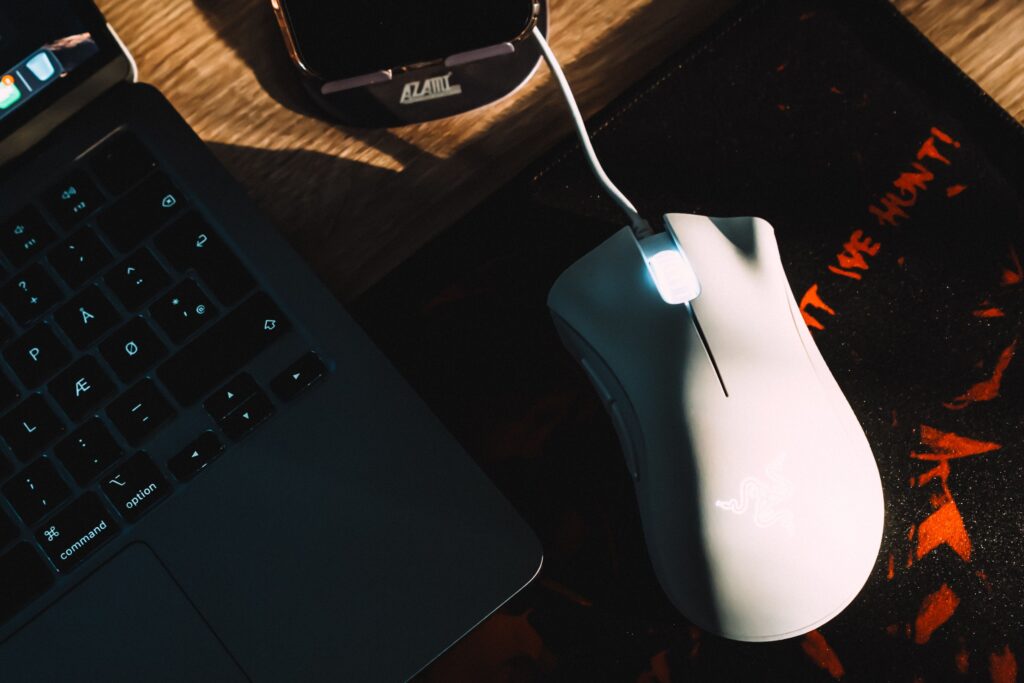
Finding the best gaming mouse under $50 is easier than ever. The budget mouse market has quietly become one of the best places to spend your money — sensors that were flagship-tier five years ago now ship in $40 mice, and the build quality gap between budget and premium has never been smaller.
We dug through specs, user reviews, and long-term reliability reports to find the six best gaming mice under $50. Whether you play twitchy shooters, MOBAs, or just want something that feels better than a $10 office mouse, there’s a pick here for you.
Quick note: prices fluctuate constantly on Amazon — the figures below are typical street prices, and these mice frequently dip even lower during sales.
How We Picked
Before the list, here’s what actually matters in a gaming mouse — and what we judged each pick on:
Sensor accuracy. Every mouse here uses a sensor with zero hardware acceleration and no spin-outs at normal speeds. At this price, sensor quality is mostly a solved problem — but we still filtered out the exceptions.
Weight and shape. Weight matters more than DPI numbers. Lighter mice (under ~85g) are easier to flick and reposition, especially in shooters. Shape determines comfort, and comfort depends on your grip style — we note which grip each mouse suits.
Click quality and durability. Budget mice cut costs somewhere. We prioritized models with a track record of switches that don’t develop double-click issues within a year.
Software. You shouldn’t need bloated software, but the option to adjust DPI and remap buttons is worth having.
1. Logitech G203 Lightsync — Best Overall for Most People
Typical price: ~$30
The G203 has been the default budget recommendation for years, and for good reason. The shape is a smaller, simplified version of the legendary Logitech G Pro — safe, neutral, and comfortable for claw and fingertip grips on small-to-medium hands.
The sensor (Logitech’s 8,000 DPI unit) isn’t the flashiest on paper, but in practice it tracks cleanly at any sensitivity a human actually uses. Clicks are crisp, the cable is manageable, and Logitech’s G HUB software handles DPI steps and RGB without drama.
Pros:
- Proven, comfortable shape
- Reliable clicks with a strong durability track record
- Frequently on sale below $25
Cons:
- Rubber cable is stiffer than modern paracord-style cables
- A bit heavy (~85g) by current standards
Best for: Anyone who wants a no-research, can’t-go-wrong pick.
2. Logitech G305 Lightspeed — Best Wireless Under $50
Typical price: ~$40–50
Wireless gaming used to mean lag and a $100+ price tag. The G305 killed both ideas. It uses Logitech’s Lightspeed wireless tech — the same found in their flagship mice — so there is genuinely no perceptible latency difference from a wired mouse.
It runs on a single AA battery (rated for ~250 hours), which adds some weight but means you’ll never deal with charging cables. The shape is identical to the G203, so everything said above about comfort applies here.
Pros:
- Flagship-grade wireless at a budget price
- Excellent battery life
- Same safe, proven shape as the G203
Cons:
- AA battery placement makes it back-heavy until you adjust
- No Bluetooth fallback (USB dongle only)
Best for: Anyone who hates cable drag and wants true gaming-grade wireless on a budget.
3. Razer Cobra — Best for Small Hands & Fingertip Grip
Typical price: ~$30
The Cobra is the direct successor to Razer’s beloved Viper Mini, keeping everything that made it great: a tiny, ultralight body (just 58g, even lighter than its predecessor) that’s perfect for fingertip grip and smaller hands. Larger palms should look elsewhere — but for the right hand size, few mice feel this nimble.
Razer’s Gen-3 optical switches eliminate the double-click degradation that plagues mechanical mouse switches — a meaningful durability win at this price. You also get 100% PTFE feet for smooth glides and the flexible Speedflex cable.
Pros:
- Extremely light (58g) without a honeycomb shell
- Optical switches = no double-click failures
- Smooth PTFE feet and flexible, low-drag cable
Cons:
- Genuinely too small for large hands or palm grip
- Wired only at this price (the wireless version costs ~$70)
Best for: Small-to-medium hands, fingertip/claw grippers, fast-paced shooters.
4. Logitech G502 HERO — Most Features for the Money
Typical price: ~$25–40 (frequently on deep sale)
The G502 is one of the best-selling gaming mice ever made, and when it dips under $40 — which happens often — nothing at this price matches its feature set. You get 11 programmable buttons, an adjustable weight system, a dual-mode scroll wheel that can free-spin, and Logitech’s excellent HERO 25K sensor.
It’s a heavier mouse (~121g) with a sculpted, right-handed shape built for palm grip. This isn’t the mouse for ultralight flick-shot purists — it’s the mouse for people who want a premium, do-everything tool for gaming, work, and everything in between.
Pros:
- Unmatched feature set at this price (11 buttons, free-spin scroll wheel)
- Flagship-grade HERO sensor
- Premium build that regularly sells at budget prices
Cons:
- Heavy by modern standards (~121g)
- Right-handed palm shape only — not for fingertip grip
Best for: Palm grippers who want maximum features and a premium feel without the premium price.
5. Razer DeathAdder Essential — Best for Palm Grip on a Tight Budget
Typical price: ~$20–30
The DeathAdder shape is one of the most famous in gaming — a large, ergonomic, right-handed curve that palm grippers love. The Essential is the stripped-down budget version: simpler sensor, basic lighting, but the same iconic comfort.
If your hand cramps on small symmetrical mice and you mostly play at moderate sensitivities, this is the comfort king of the budget tier.
Pros:
- Legendary ergonomic shape for palm grip
- Often the cheapest mouse on this list
- Large and comfortable for big hands
Cons:
- Heavier (~96g) — not built for rapid flicking
- Basic sensor compared to others here (fine for most players)
Best for: Palm grippers, larger hands, players who prioritize comfort over weight.
Comparison Table
| Mouse | Weight | Connection | Best Grip | Typical Price |
|---|---|---|---|---|
| Logitech G203 | ~85g | Wired | Claw/Fingertip | ~$30 |
| Logitech G305 | ~99g (w/ battery) | Wireless | Claw/Fingertip | ~$45 |
| Razer Cobra | ~58g | Wired | Fingertip/Claw | ~$30 |
| Logitech G502 HERO | ~121g | Wired | Palm | ~$30 |
| Razer DeathAdder Essential | ~96g | Wired | Palm | ~$25 |
Best Gaming Mouse Under $50: Which One Should You Buy?
- “Just tell me what to get”: Logitech G203
- Wireless, no compromises: Logitech G305
- Small hands / fingertip grip: Razer Cobra
- Most features for the money: Logitech G502 HERO
- Max comfort on the tightest budget: Razer DeathAdder Essential
FAQ
Is a $30 mouse really good enough for competitive gaming? Yes — the best gaming mouse under $50 tracks just as accurately as flagship mice. Sensor technology plateaued years ago — every mouse on this list tracks accurately beyond human limits. Pros have won tournaments on the G203 and DeathAdder. Past $50, you’re mostly paying for lower weight, wireless, and nicer materials, not better tracking.
Wired or wireless on a budget? Wired, unless wireless specifically bothers you. At this price, wired options give you better weight and components for the money. The G305 is the one budget wireless mouse with no real catch.
What DPI should I use? Lower than you think. Most competitive players use 400–1600 DPI. Ignore “16,000 DPI” marketing — nobody plays at that sensitivity, and it doesn’t indicate sensor quality.
How long should a budget gaming mouse last? Two to four years of daily use is a reasonable expectation. The most common failure point is switch double-clicking — which is why the Razer Cobra’s optical switches are notable at this price.
TheGearByte is reader-supported. Some links above are affiliate links — see our Affiliate Disclosure for details.